







01
Follow 3A
Attendance, Assignment & Assessment model ensuring consistency and success.

Hands-on programs designed to prepare you for in-demand IT jobs with practical skills and certifications. Open to anyone with interest in tech field (except where noted).

Performance-based certifications and training for Linux, cloud, automation, security, and development.

Globally recognized cybersecurity certifications focusing on ethical hacking, forensics, network defense, and more.

Hands-on, performance-based certifications in offensive security, penetration testing, and exploit development.

Industry-leading certifications in networking, security, collaboration, data center, and software development.
Industry-leading certifications in cloud computing, architecture, security, development, and operations across major providers.



Industry-leading certifications in DevOps practices, including CI/CD, containerization, orchestration, configuration management, and infrastructure as code.




Industry-leading certifications in programming languages like Python, database systems such as Oracle and SQL, and big data technologies.


Industry-leading certifications in artificial intelligence, machine learning, data analytics, and data science across major providers.



Industry-leading certifications in full stack development, web technologies, digital marketing, graphic design, and UI/UX.


Comprehensive programs for soft skills development, internships, job-oriented training, and career advancement in professional environments.

 4.9/5
4.9/5
 4.9/5
4.9/5
The CompTIA A+ Hardware Training with Certification: IT Support at
WebAsha Technologies in Pune provides comprehensive, hands-on training for aspiring IT professionals. This course covers PC hardware, troubleshooting, system maintenance, networking basics, and IT support skills, equipping you with the foundational knowledge needed for entry-level IT roles.
The CompTIA A+ certification is a globally recognized credential for IT support and technical professionals. With expert-led instruction, real-world lab simulations, and alignment with official CompTIA exam objectives, this training ensures you are well-prepared to pass the CompTIA A+ certification exams (Core 1 and Core 2) on your first attempt. Whether you're starting your IT career or seeking to enhance your technical skills, WebAsha Technologies provides the tools and mentorship to succeed.
Enroll now to master IT support and elevate your career in IT with a trusted training provider.
| Duration: | 60 Hours (Weekday / Weekend Batches) |
| Mode: | Online & Classroom Training |
| Certification: | CompTIA A+ Certification |
| Institute: | WebAsha Technologies, Pune |
| Includes: | Hands-on Labs, Official CompTIA Curriculum, Real Exam Simulations |

Leading Global IT Support and Hardware Training Platform
Have Questions? Consult Our Experts

Professionals Trained

Batches Every Month

Countries Served

Corporate Clients















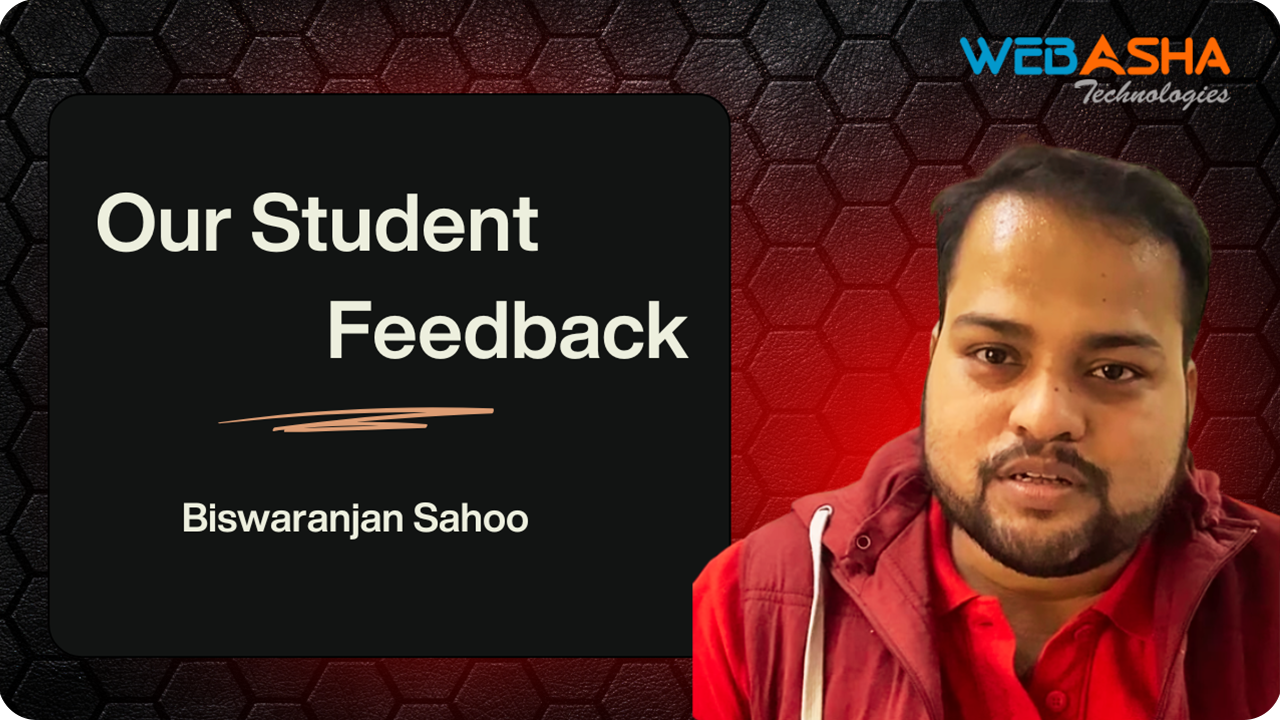

The CompTIA A+ and N+ courses were pivotal for my IT career. The hands-on labs and expert instruction gave me the skills to excel in IT support and networking, securing my dream job.
IT Support Specialist

CompTIA A+ and N+ certifications revolutionized my IT journey. The practical training and expert guidance equipped me with essential skills, landing me a role in network administration.
Network Administrator

CompTIA A+ and N+ were game-changers for my IT career. The interactive labs and expert mentorship built my confidence in IT fundamentals and networking, securing my dream role.
Network Support Technician

CompTIA A+ and N+ transformed my career trajectory. The real-world labs and expert-led training gave me practical IT and networking skills, helping me achieve my professional goals.
IT Support Specialist

CompTIA A+ and N+ provided the practical experience I needed. The expert-led training and hands-on labs boosted my IT and networking skills, opening doors to a rewarding IT career.
Network Support Technician

Earning CompTIA A+ and N+ certifications accelerated my career growth. The interactive labs and professional guidance provided in-demand IT skills, leading to a fulfilling role in network support.
Network Administrator

CompTIA A+ and N+ gave me a competitive edge in IT. The practical training and expert support helped me master IT fundamentals and networking, leading to a full-time IT role.
IT Support Specialist
Attendance, Assignment & Assessment model ensuring consistency and success.
Hands-on expertise in tools & technologies for high-demand IT roles.
Resume, LinkedIn & portfolio development to showcase your skills.
Final evaluation exam to test your readiness for real-world challenges.
Earn globally recognized certifications that validate your expertise.
Apply knowledge in real projects & internships to build credibility.
Discover the core advantages of our CompTIA A+ training programs tailored for certification success in Pune’s thriving IT support industry.


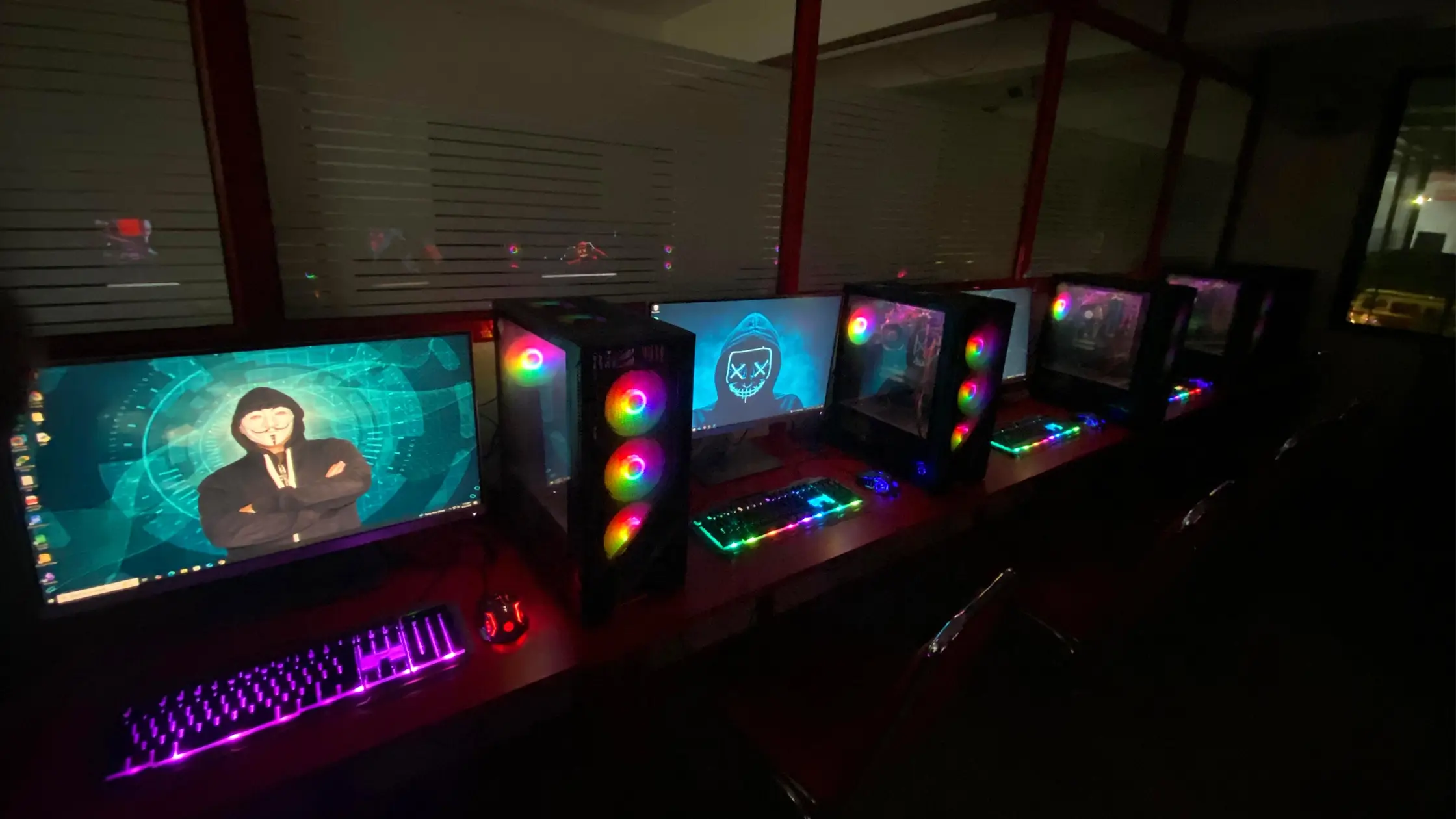
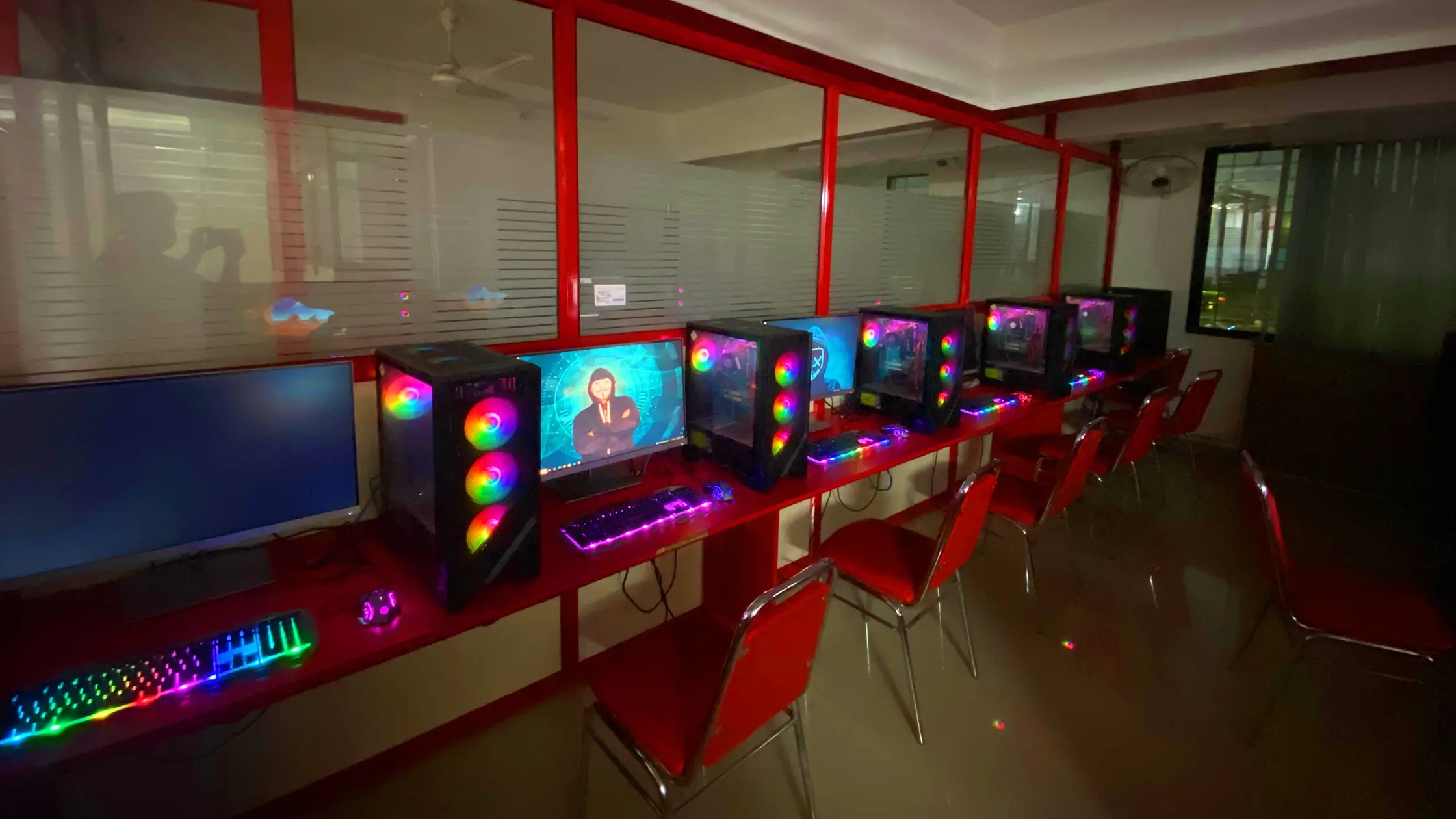
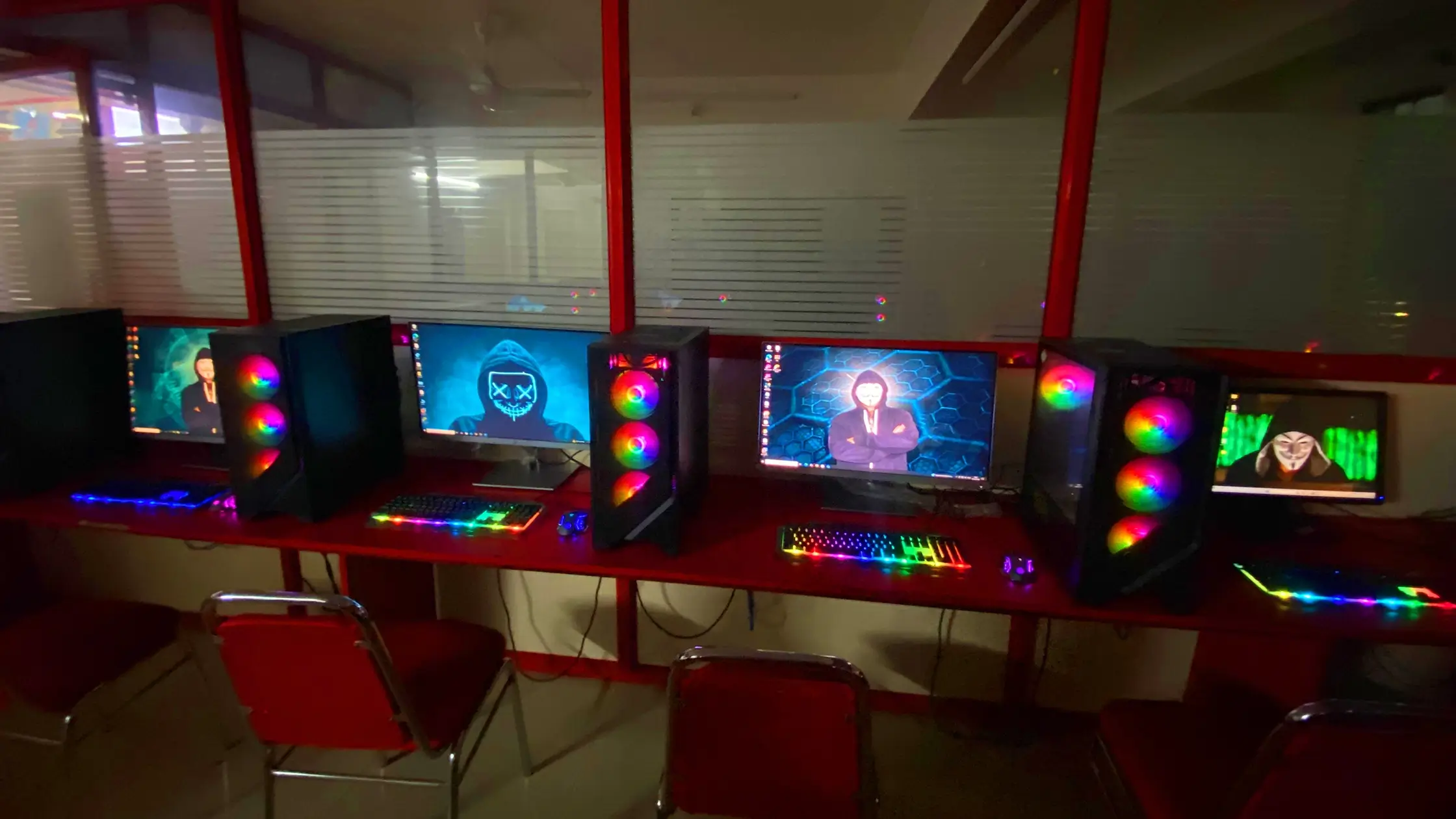
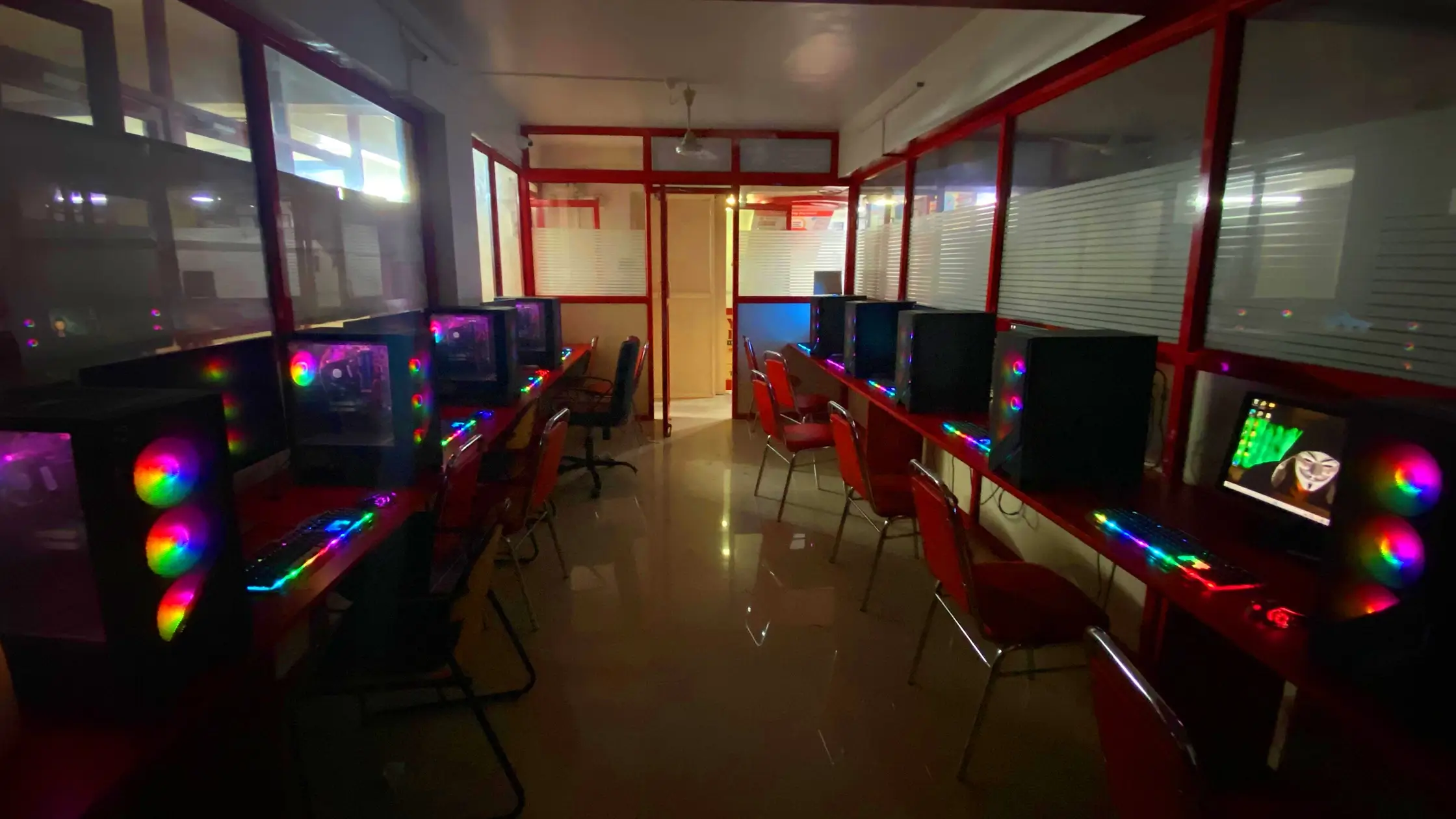
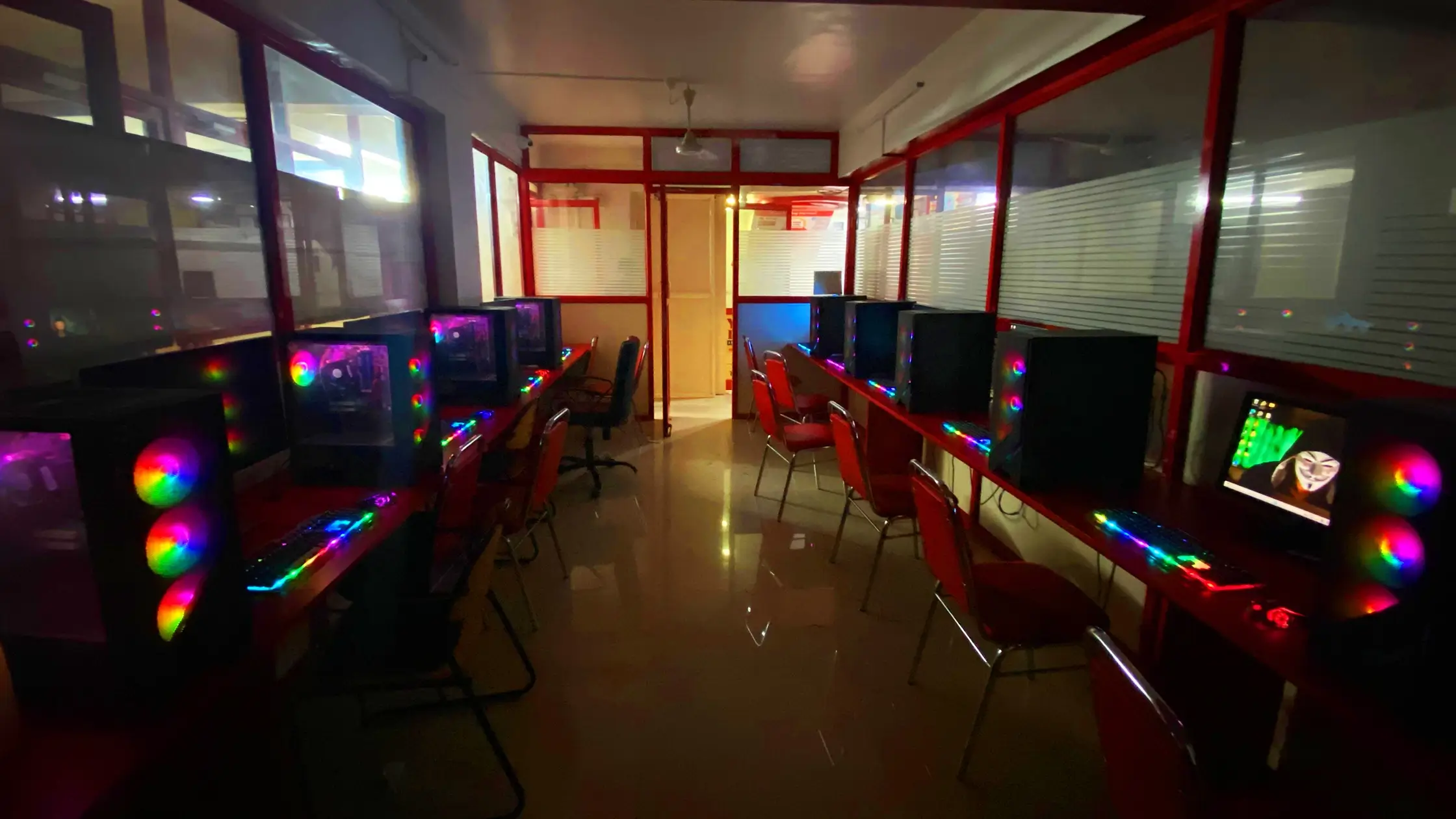
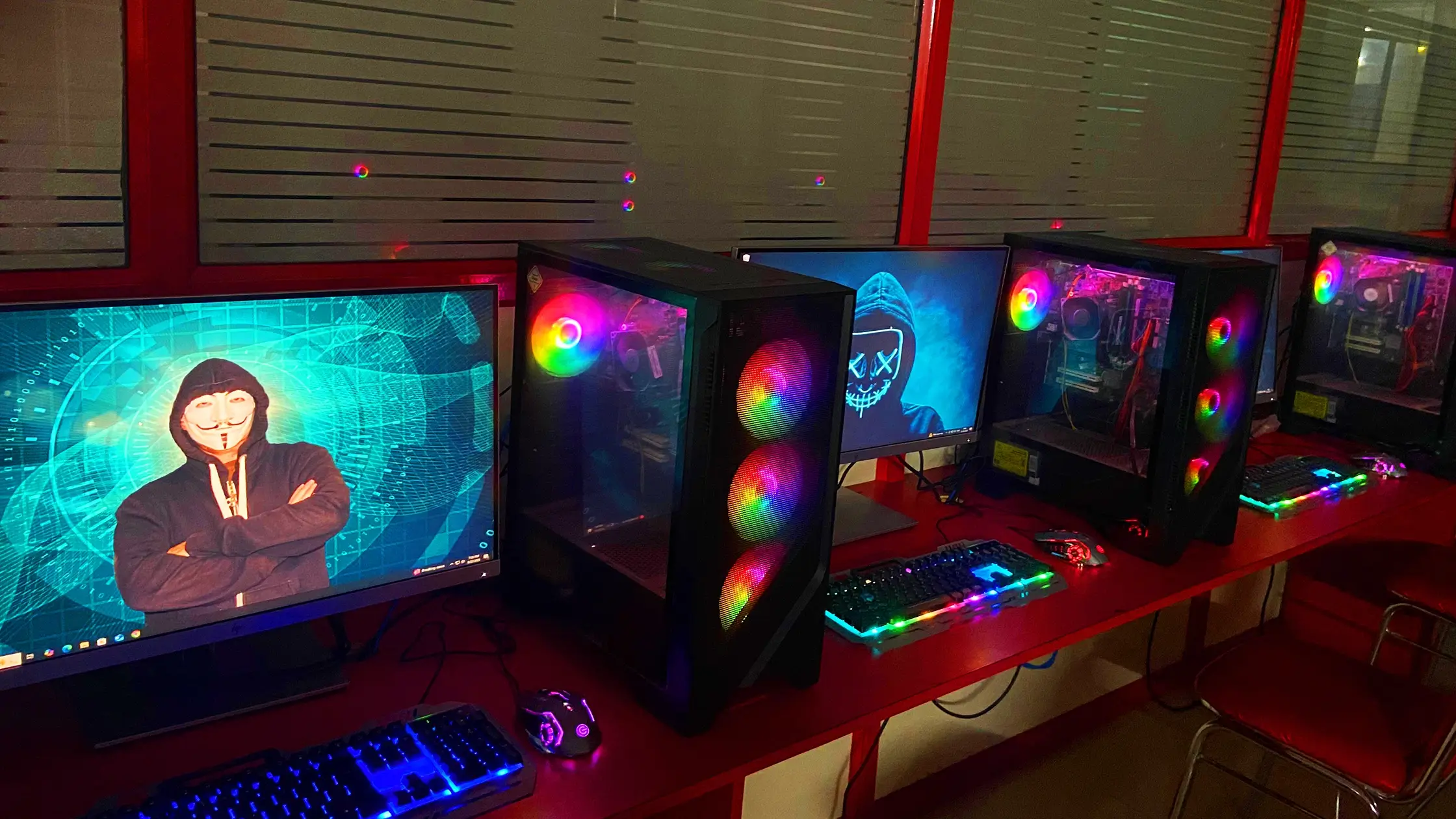
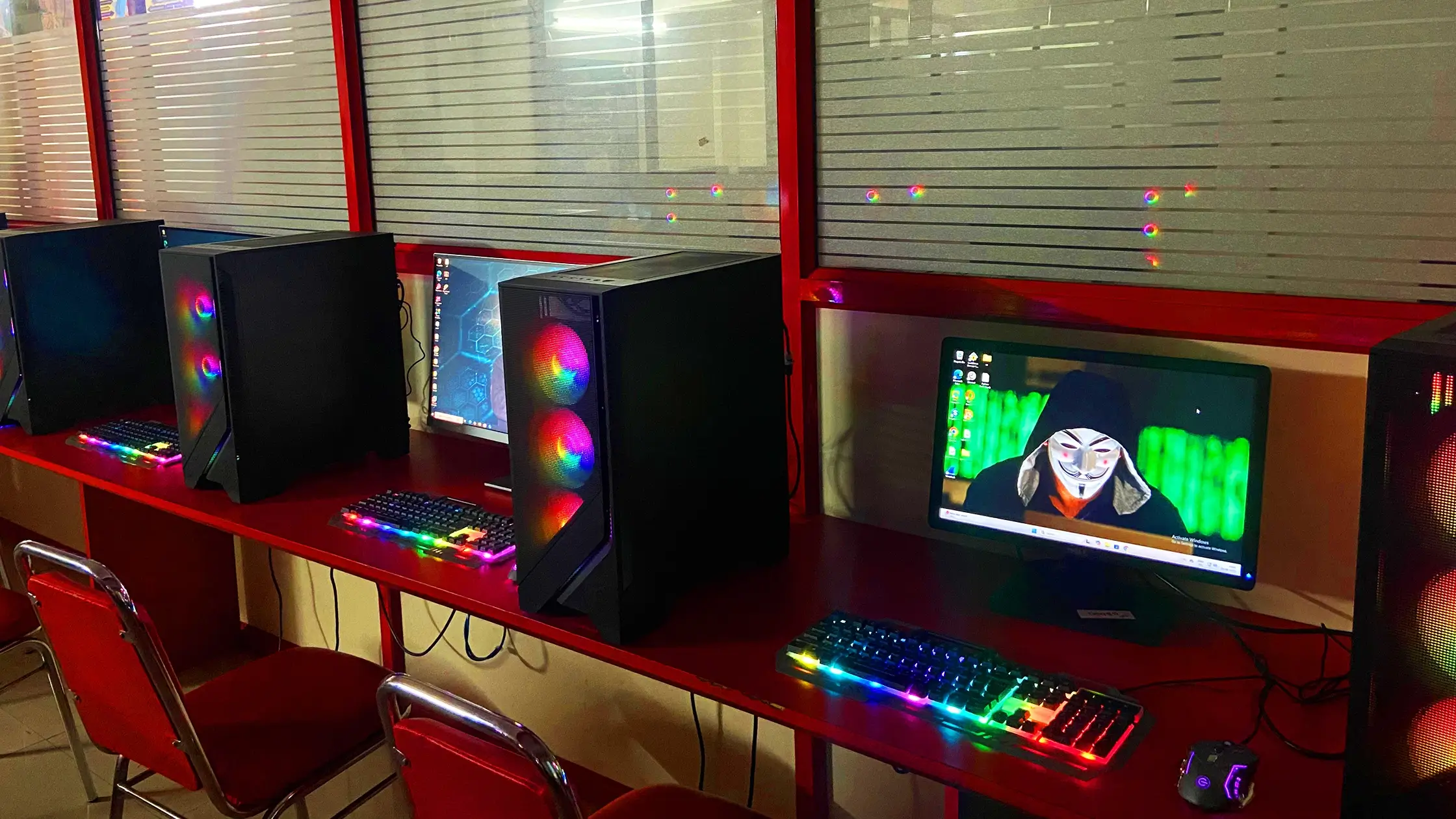
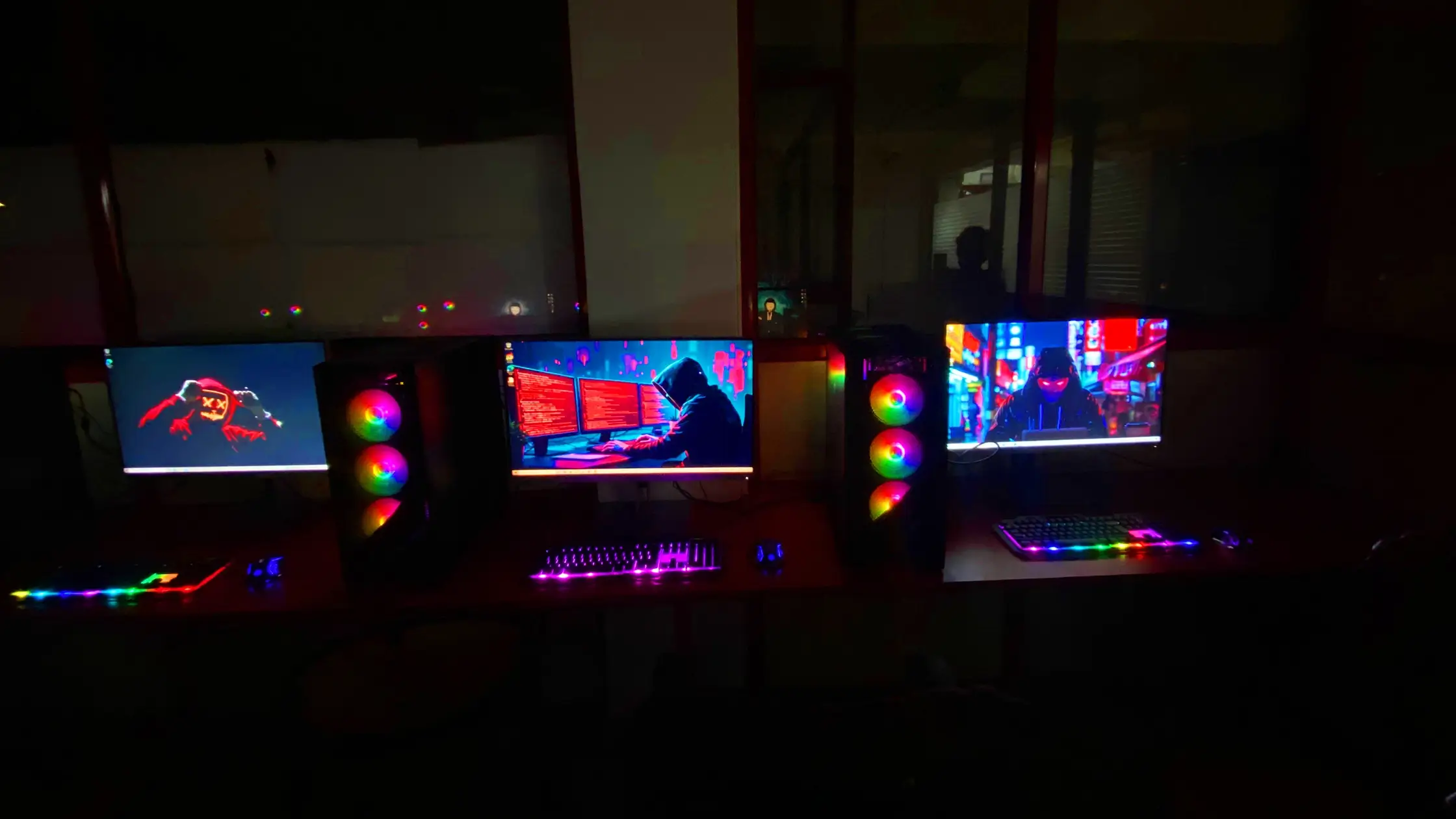
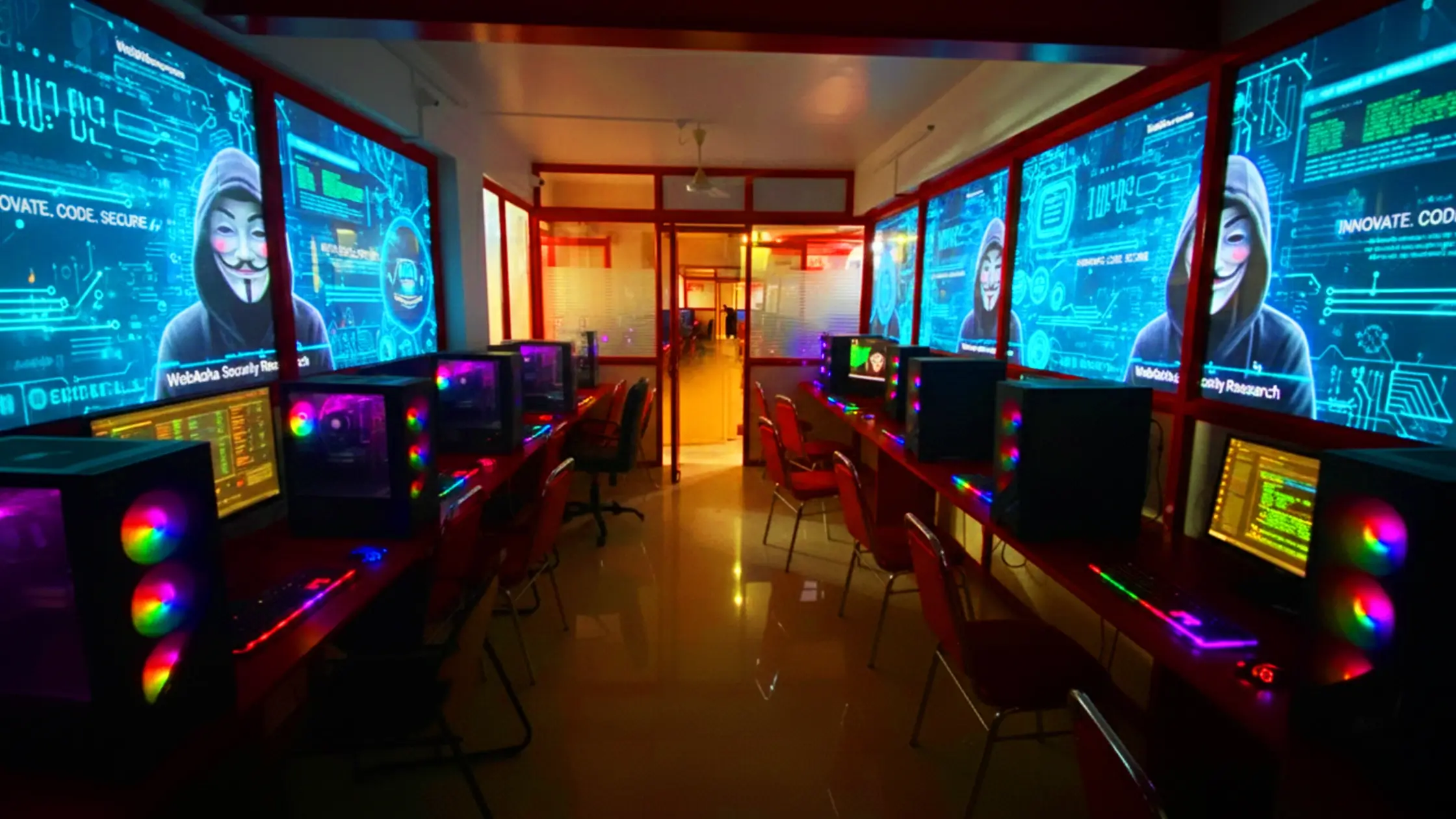

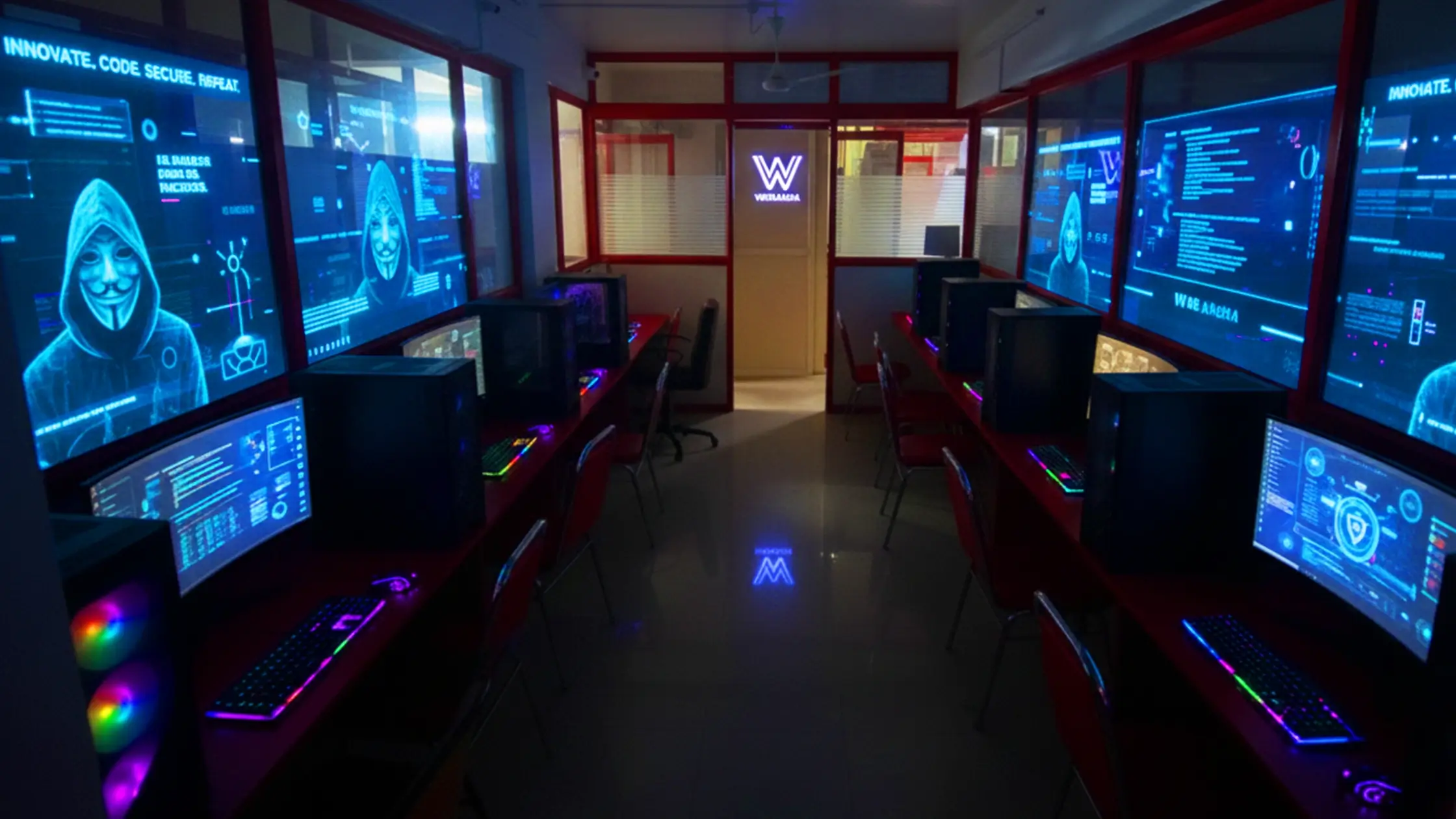
Discover how WebAsha Technologies empowers learners in Pune with top-notch IT training and career-ready skills.
At WebAsha Technologies, we deliver career-focused IT training that combines expert mentorship, practical learning, and globally recognized certifications to give you a competitive edge.
| Features | WebAsha Technologies | Other Institutes |
|---|---|---|
| Expert Trainers | 10+ Years Experienced Industry Professionals | Freshers or Part-time Instructors |
| Course Curriculum | Updated & Industry-Relevant (Cybersecurity, Cloud, DevOps, Linux, AI/ML) | Basic or Outdated Content |
| Hands-on Learning | Real Projects, Labs & Case Studies | Theory-Focused, Limited Practical |
| Certifications | Globally Recognized (EC-Council, OffSec, Red Hat, AWS, Microsoft, etc.) | Generic or Unrecognized Certificates |
| Placement Support | 100% Assistance + Resume & Interview Coaching | Limited or No Job Support |
| Flexible Learning | Classroom & Online Training Options | Rigid Timings, Mostly Classroom-Only |
| Learning Resources | Lifetime LMS Access, Study Materials, Recorded Sessions | Minimal or No Additional Resources |
| Batch Size | Small Groups with 1:1 Mentorship | Large, Crowded Batches |

Self-paced online learning with access to recorded sessions and resources.
Request for batch


| Date | Mode of Class | Batch Form | Time | Status | Action |
|---|---|---|---|---|---|
| Monday, October 12, 2026 | Online/Classroom | Weekdays | 6:30 PM IST | Batch Full | Enrollment Closed → |
| Monday, October 19, 2026 | Online/Classroom | Weekdays | 6:30 PM IST | Only 1 Seat AvailableMax intake limit is 10 | Enrollment Open → |
| Monday, October 26, 2026 | Online/Classroom | Weekdays | 8:00 AM IST | Only 5 Seats AvailableMax intake limit is 10 | Enrollment Open → |
| Saturday, October 17, 2026 | Online/Classroom | Weekends | 10:00 AM IST | Only 2 Seats AvailableMax intake limit is 10 | Enrollment Open → |
Mode: Online/Classroom
Batch: Weekdays
Time: 6:30 PM IST
Mode: Online/Classroom
Batch: Weekdays
Time: 6:30 PM IST
Mode: Online/Classroom
Batch: Weekdays
Time: 8:00 AM IST
Mode: Online/Classroom
Batch: Weekends
Time: 10:00 AM IST
Kickstart your IT career with our Classroom and Online CompTIA A+ Hardware Training at WebAsha Technologies. This course is designed to provide hands-on, project-based skills for mastering PC hardware, troubleshooting, and IT support. Ideal for beginners or those seeking certification, this training prepares you for CompTIA A+ certification and success in IT support roles in 2025 and beyond.
The CompTIA A+ Training focuses on mastering PC hardware, operating systems, and troubleshooting techniques. Through practical projects, participants learn to install, configure, and maintain computer systems, preparing for both the Core 1 (220-1101) and Core 2 (220-1102) exams. The course emphasizes hands-on IT support skills and project-based learning for certification and entry-level IT roles.
This course is perfect for aspiring IT technicians, helpdesk professionals, and IT enthusiasts aiming to certify their hardware and support skills. It’s also suitable for students, career changers, and professionals in Pune looking to enter IT support. No prior IT experience is required, as the course starts from fundamentals.
No prior IT experience needed, but basic computer skills are helpful. For online classes, a stable internet connection and laptop with access to hardware tools are required. The course includes hands-on projects essential for mastering CompTIA A+ skills.
Basic familiarity with computers is recommended but not mandatory, as the course covers fundamentals.
Earning a CompTIA A+ certification opens opportunities in IT support and technical roles. Certified professionals often secure positions like IT Support Specialist, Helpdesk Technician, or Field Service Technician. In Pune and India, CompTIA A+ professionals earn ₹3 LPA to ₹8 LPA, with prospects for global IT and freelance work.
CompTIA A+ syllabus
Download SyllabusAt WebAsha Training Institute, our experienced CompTIA A+ trainers combine hardware expertise with industry insights, guiding students to master IT support and certification.
Learn, Growth & Test your skills with online Assessment Exam to achieve your certificaion goal
Request A Call Back
CompTIA A+ certification validates your ability to troubleshoot and manage PC hardware and software, recognized globally for IT support roles.
| Attribute | Details |
|---|---|
| Exam Name | CompTIA A+ Core 1 (220-1101) and Core 2 (220-1102) |
| Exam Duration | 90 Minutes per exam |
| Number of Questions | Up to 90 per exam (Multiple-choice and performance-based) |
| Exam Fee | Varies (approx ₹10,000-₹15,000 per exam in India) |
| Validity | 3 Years (requires CEUs for renewal) |
| Exam Code | 220-1101 (Core 1), 220-1102 (Core 2) |
| Exam Format | Online/Proctored |
| Passing Score | Core 1: 675/900, Core 2: 700/900 |
| Eligibility / Prerequisite | Basic computer skills recommended |
| Exam Languages | English |
| Exam Mode | Online/In-Person |
Earn certification by scoring 675/900 (Core 1) and 700/900 (Core 2) on the exams (90 minutes each). Offered by WebAsha in Pune, it tests hardware and IT support skills. Fees approx ₹10,000-₹15,000 per exam in India, valid for 3 years. Proctored online or in-person in English. Train with WebAsha for success.
Gaining CompTIA A+ certification enables entry-level IT support roles in India's IT sector for 2025.
| Job Title | Primary Responsibilities | Average Salary (INR) |
|---|---|---|
| IT Support Specialist | Troubleshoot hardware and software issues. | Fresher: ₹3–5 LPA Experienced: ₹6–8 LPA |
| Helpdesk Technician | Provide technical support to users. | Fresher: ₹2.5–4 LPA Experienced: ₹5–7 LPA |
| Field Service Technician | Repair hardware on-site. | Fresher: ₹3–5 LPA Experienced: ₹6–8 LPA |
| Desktop Support Engineer | Manage desktop systems and networks. | Fresher: ₹3–5 LPA Experienced: ₹6–8 LPA |
| Technical Support Analyst | Resolve IT support tickets. | Fresher: ₹3–5 LPA Experienced: ₹6–8 LPA |
| Junior System Administrator | Maintain IT systems and servers. | Fresher: ₹3.5–5 LPA Experienced: ₹6–9 LPA |
| IT Technician | Install and maintain IT hardware. | Fresher: ₹2.5–4 LPA Experienced: ₹5–7 LPA |
| Freelance IT Support | Provide IT support services. | Fresher: ₹2.5–4 LPA Experienced: ₹5–7 LPA |
| Network Support Technician | Troubleshoot network connectivity. | Fresher: ₹3–5 LPA Experienced: ₹6–8 LPA |
| Hardware Technician | Repair and upgrade PC hardware. | Fresher: ₹2.5–4 LPA Experienced: ₹5–7 LPA |
Note: Salaries vary by experience, location, and company; CompTIA A+ certification enhances potential in 2025.
India's IT sector projects numerous IT support roles by 2025.
In the IT support-driven industry of 2025, CompTIA A+ certification is critical for entry-level IT professionals. CompTIA A+ training at WebAsha Technologies provides practical IT support skills for hardware troubleshooting and system maintenance — competencies valued in IT helpdesk and technical support roles.
Prepare for CompTIA A+ certification with WebAsha Technologies, a leading institute in Pune for IT support training. Our program is crafted for aspiring IT professionals to master hardware and troubleshooting skills with hands-on projects aligned to industry standards.

Unfiltered feedback and snapshots that reflect real success stories.




Discover their journeys, specialties, and achievements.













Find complementary courses to enhance your skills and career.

Red Hat Certified System Administrator (RHCSA)
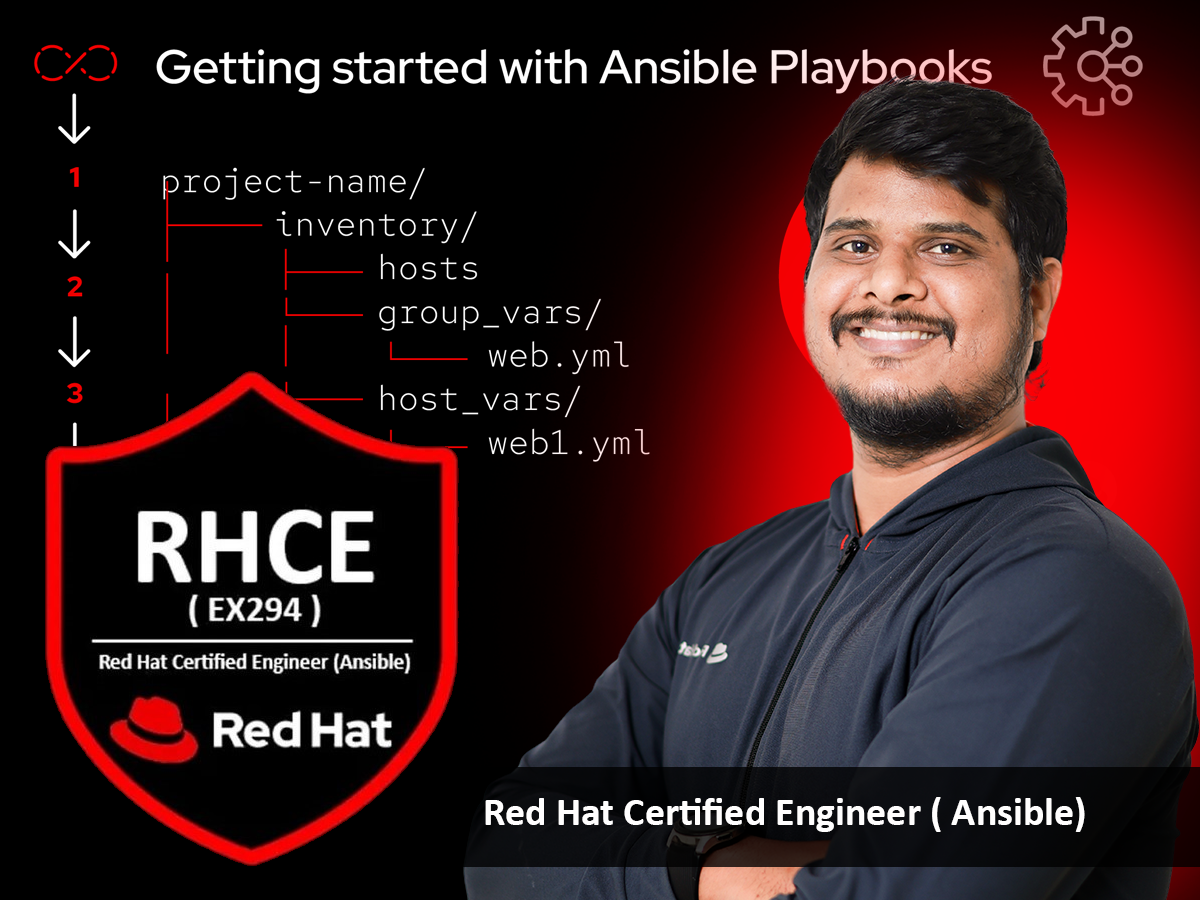
Red Hat Certified Engineer (RHCE)
Explore answers to common questions about the CompTIA A+ (220-1101 and 220-1102) certification, training, exam details, eligibility, and more to kickstart your career in IT support.
The CompTIA A+ (220-1101 and 220-1102) certification validates foundational IT skills for support roles, covering hardware, operating systems, software troubleshooting, networking, security, and operational procedures.
The training covers all CompTIA exam objectives, blending theory with hands-on labs on hardware basics, operating system configuration, troubleshooting, networking, mobile device support, security, software troubleshooting, virtualization, and operational procedures.
Suitable for aspiring IT technicians, helpdesk professionals, IT enthusiasts, students, or career changers with basic computer skills. No prior IT experience is required, making it ideal for beginners.
The certification is valid for three years. Renewal requires earning Continuing Education Units (CEUs) or retaking the exams to stay current with IT advancements.
The exams (Core 1: 220-1101 and Core 2: 220-1102) include up to 90 multiple-choice and performance-based questions each, to be completed in 90 minutes per exam, testing hardware, software, and troubleshooting skills.
Each exam (Core 1 and Core 2) typically costs $246 USD, totaling $492 USD for both, but prices may vary by region. Check the official CompTIA website for details.
No prerequisites are required, but CompTIA recommends 9-12 months of hands-on IT experience for better preparation.
Use CompTIA-approved training courses, practice exams, hands-on labs, and study guides. CompTIA and third-party providers offer resources for preparation.
Yes, the training includes hands-on labs to practice building, configuring, and troubleshooting PC systems, networking, and security setups.
Core 1 covers mobile devices, networking, hardware, virtualization, and cloud computing. Core 2 covers operating systems, security, software troubleshooting, and operational procedures.
Yes, the exams can be taken online with proctoring or at an authorized Pearson VUE testing center.
The passing score is 675 out of 900 for Core 1 (220-1101) and 700 out of 900 for Core 2 (220-1102).
Yes, you can retake either exam after a 14-day waiting period, with no limit on attempts.
The 220-1101 and 220-1102 exams include updated content with a greater focus on cloud computing, virtualization, and modern security practices compared to previous versions (e.g., 220-1001 and 220-1002).
Roles include IT Support Specialist, Help Desk Technician, Desktop Support Technician, and Junior Systems Administrator, with demand in IT support fields.
Yes, CompTIA and third-party providers offer practice exams to simulate the real test environment.
Training typically lasts 5-10 days for instructor-led courses or self-paced over several weeks.
Yes, most courses provide study guides, lab manuals, and access to CompTIA-approved training resources.
Yes, CompTIA certifications are globally recognized and valued by employers in the IT industry.
Yes, training is not mandatory, but it’s highly recommended to ensure success due to the exams’ technical depth in IT support.