







01
Follow 3A
Attendance, Assignment & Assessment model ensuring consistency and success.


Hands-on programs designed to prepare you for in-demand IT jobs with practical skills and certifications. Open to anyone with interest in tech field (except where noted).



Performance-based certifications and training for Linux, cloud, automation, security, and development.

Globally recognized cybersecurity certifications focusing on ethical hacking, forensics, network defense, and more.

Hands-on, performance-based certifications in offensive security, penetration testing, and exploit development.

Industry-leading certifications in networking, security, collaboration, data center, and software development.
Industry-leading certifications in cloud computing, architecture, security, development, and operations across major providers.



Industry-leading certifications in DevOps practices, including CI/CD, containerization, orchestration, configuration management, and infrastructure as code.




Industry-leading certifications in programming languages like Python, database systems such as Oracle and SQL, and big data technologies.



Industry-leading certifications in artificial intelligence, machine learning, data analytics, and data science across major providers.



Industry-leading certifications in full stack development, web technologies, digital marketing, graphic design, and UI/UX.


Comprehensive programs for soft skills development, internships, job-oriented training, and career advancement in professional environments.

 4.9/5
4.9/5
 4.9/5
4.9/5
The InDesign Training with Certification: Adobe InDesign at
WebAsha Technologies in Pune provides comprehensive, hands-on training for aspiring graphic designers and publishing professionals. This course covers creating professional layouts for print and digital publishing, including brochures, magazines, eBooks, and interactive PDFs using Adobe InDesign.
The Adobe InDesign certification is a valuable credential for professionals seeking to excel in layout design and publishing. With expert-led instruction, real-world projects, and practical training aligned with industry standards, this course ensures you are well-prepared to master InDesign tools and achieve career growth. Whether you're advancing your graphic design skills or pursuing a career in publishing, WebAsha Technologies provides the tools and mentorship to succeed.
Enroll now to master Adobe InDesign and elevate your career in graphic design and publishing with a trusted training provider.
| Duration: | 60 Hours (Weekday / Weekend Batches) |
| Mode: | Online & Classroom Training |
| Certification: | Adobe InDesign Certification |
| Institute: | WebAsha Technologies, Pune |
| Includes: | Hands-on Projects, Real-World InDesign Tools, Practical Training |

Premier Global Design Training and Certification Platform
Have Questions? Reach Out to Our Experts

Professionals Trained

Batches Every Month

Countries Served

Corporate Clients















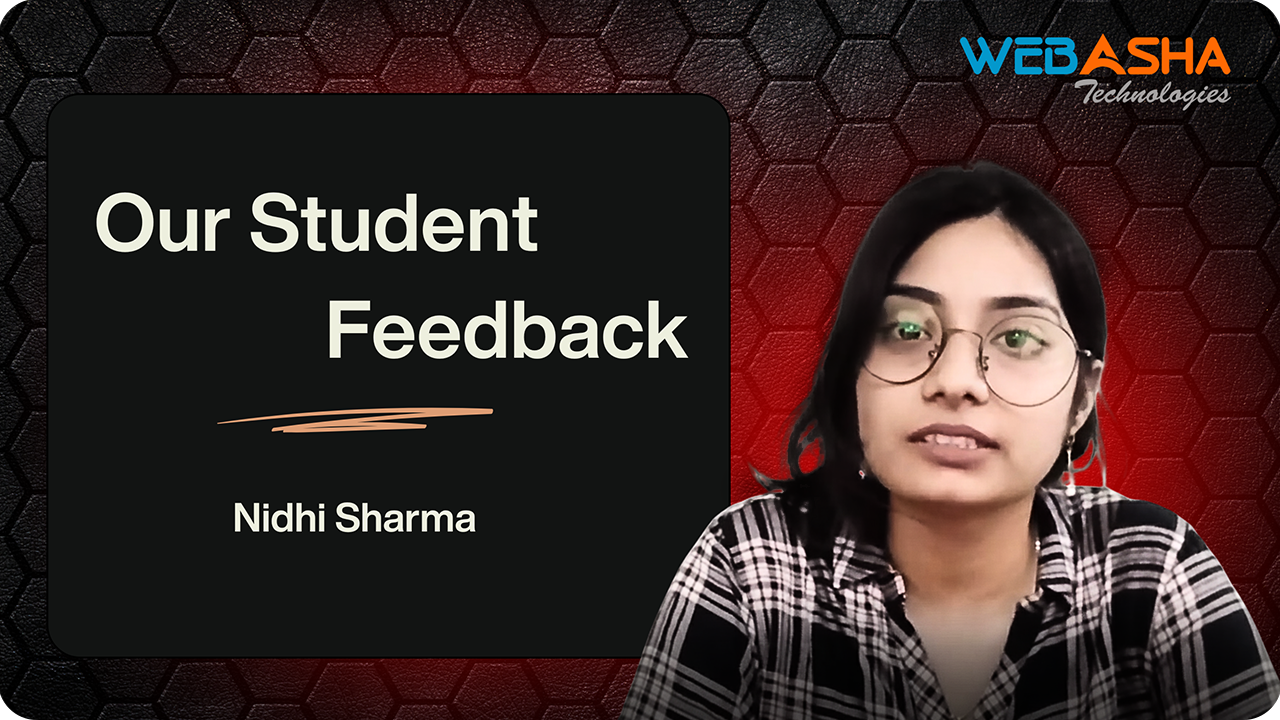

The CEH v13 course transformed my career. The practical labs and expert guidance helped me master ethical hacking techniques, landing me a dream role in cybersecurity.
Cybersecurity Analyst
The CEH v13 course transformed my career. The practical labs and expert guidance helped me master ethical hacking techniques, landing me a dream role in cybersecurity.
Cybersecurity Analyst
Attendance, Assignment & Assessment model ensuring consistency and success.
Hands-on expertise in tools & technologies for high-demand IT roles.
Resume, LinkedIn & portfolio development to showcase your skills.
Final evaluation exam to test your readiness for real-world challenges.
Earn globally recognized certifications that validate your expertise.
Apply knowledge in real projects & internships to build credibility.
Discover the core advantages of our InDesign training programs tailored for certification success in Pune’s dynamic publishing industry.


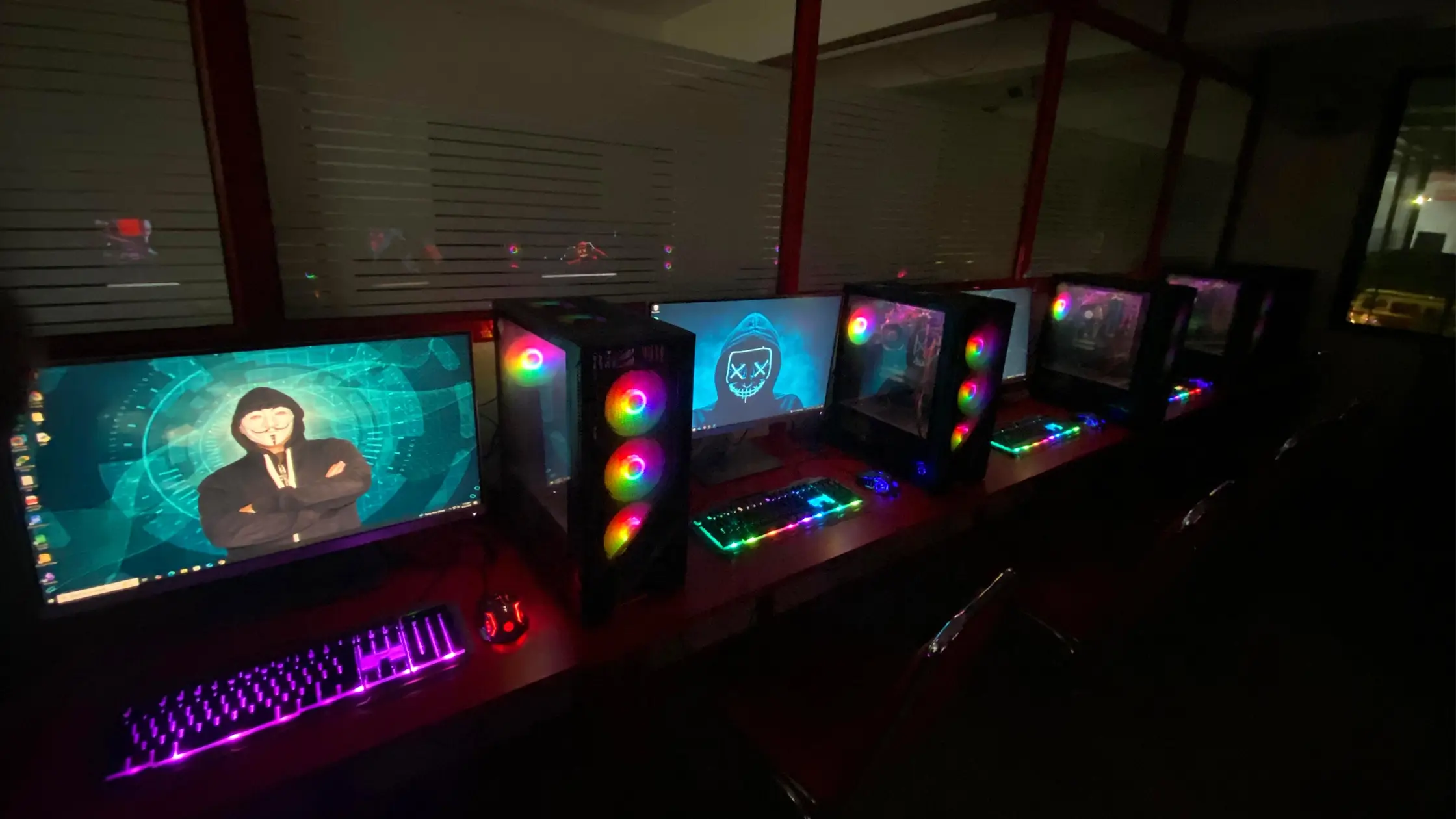
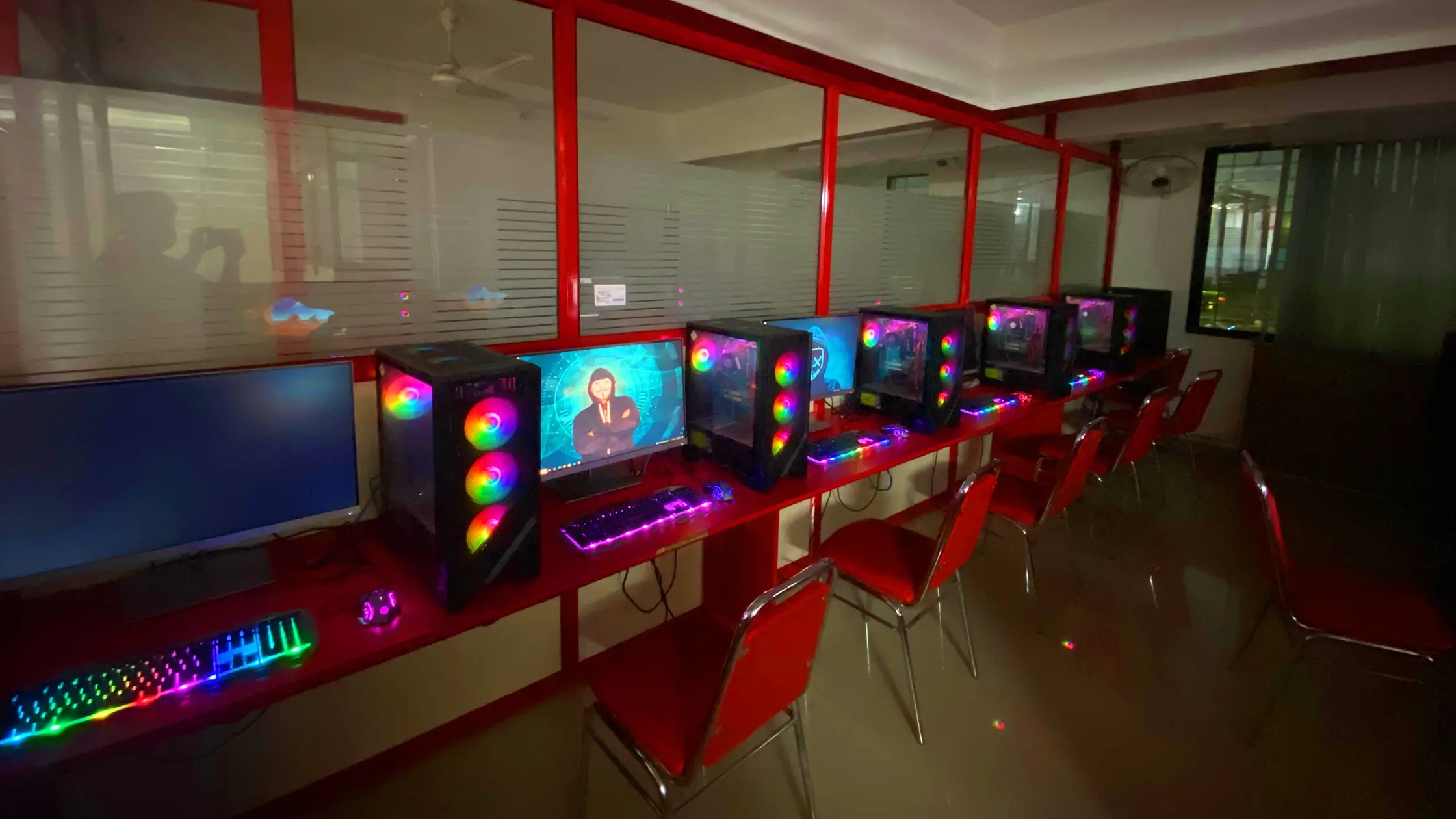
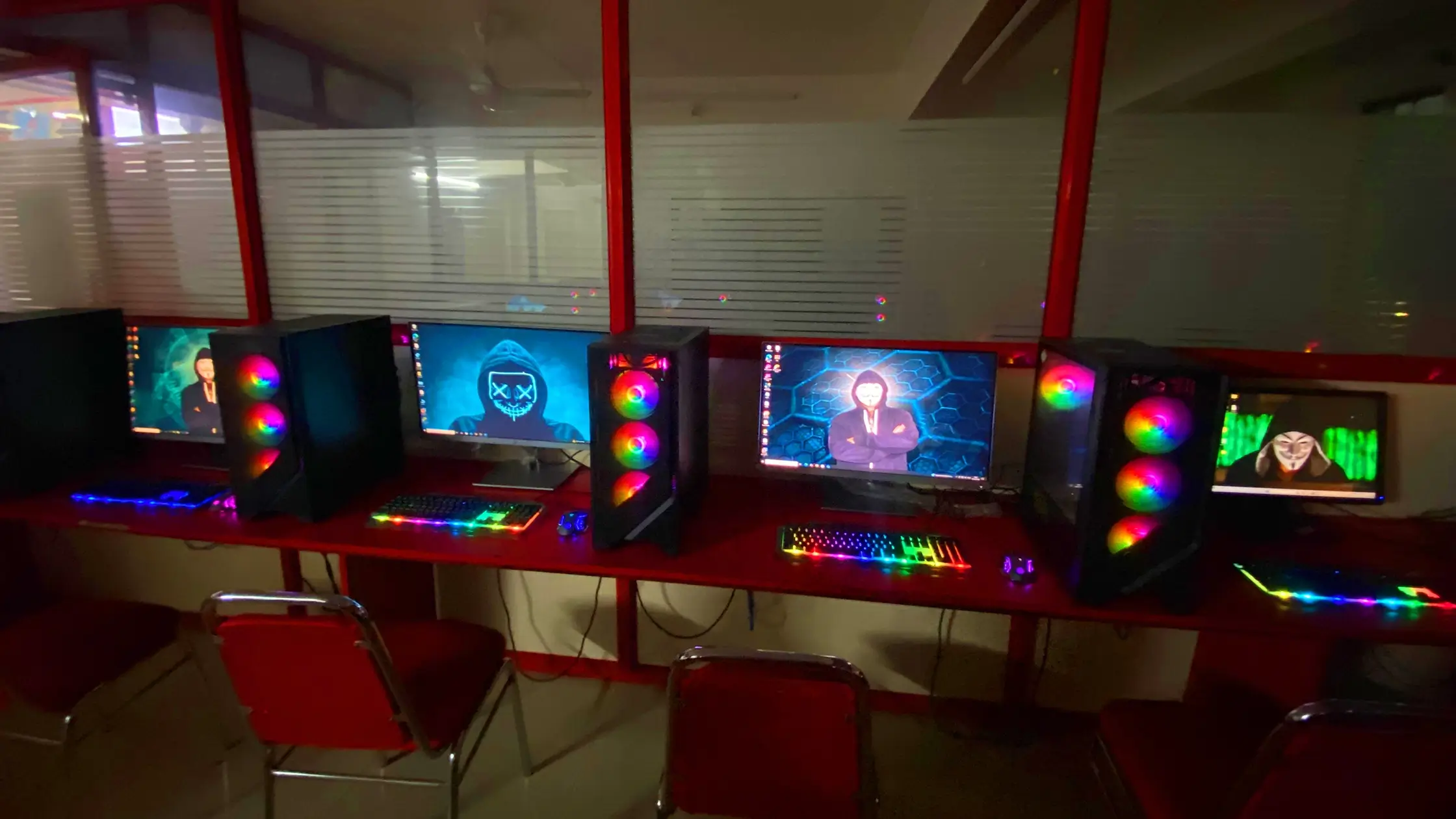
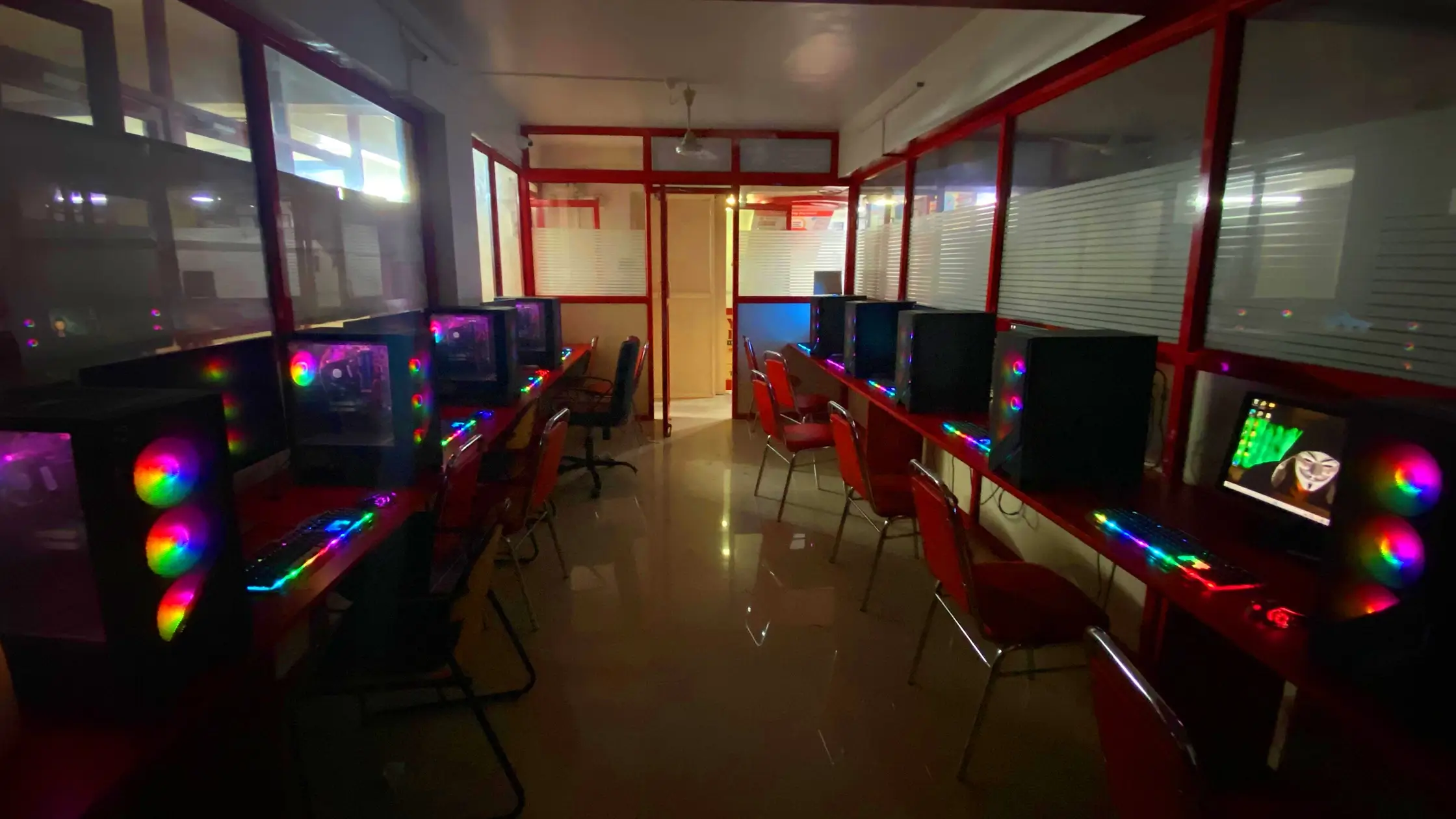
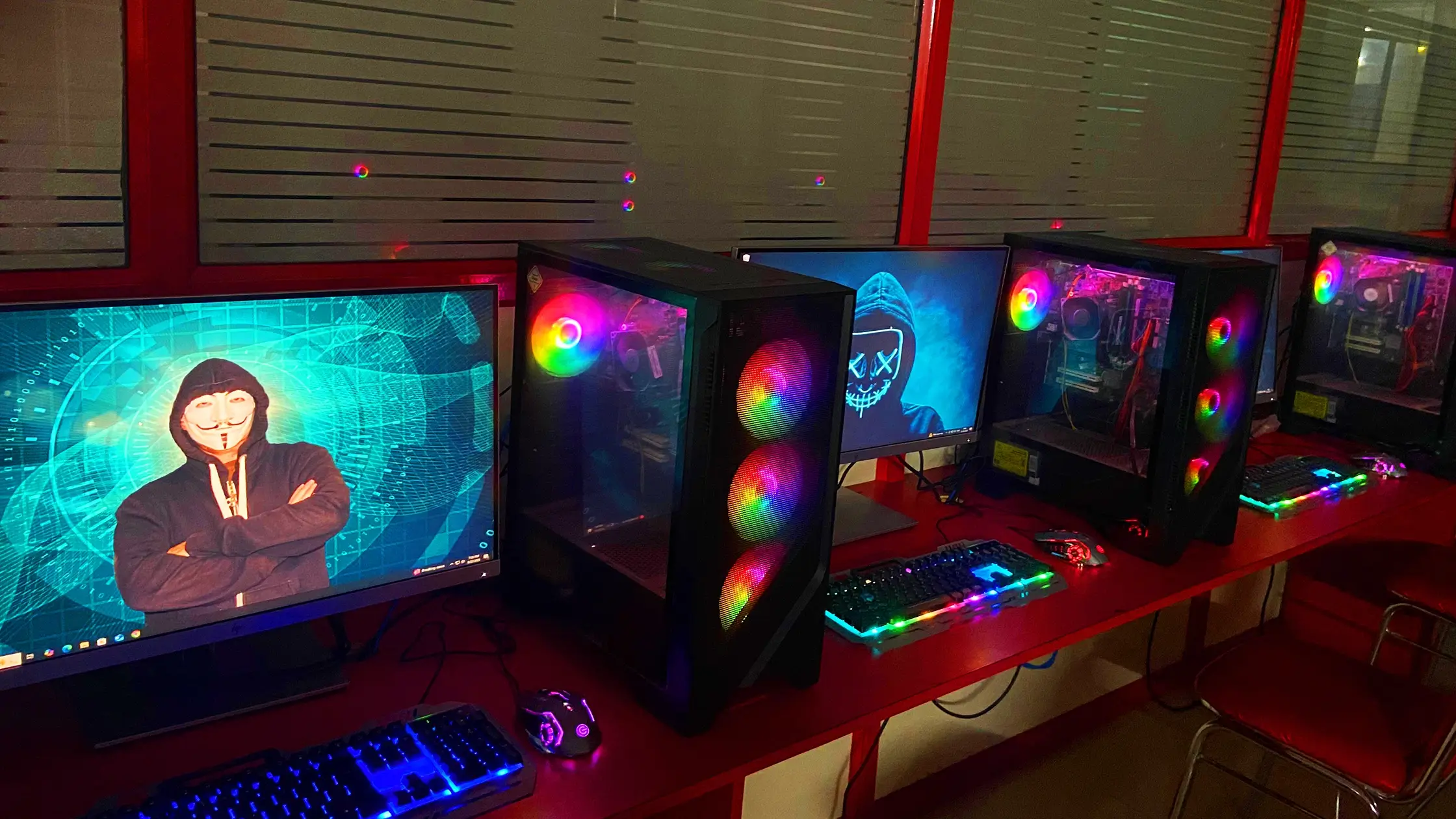
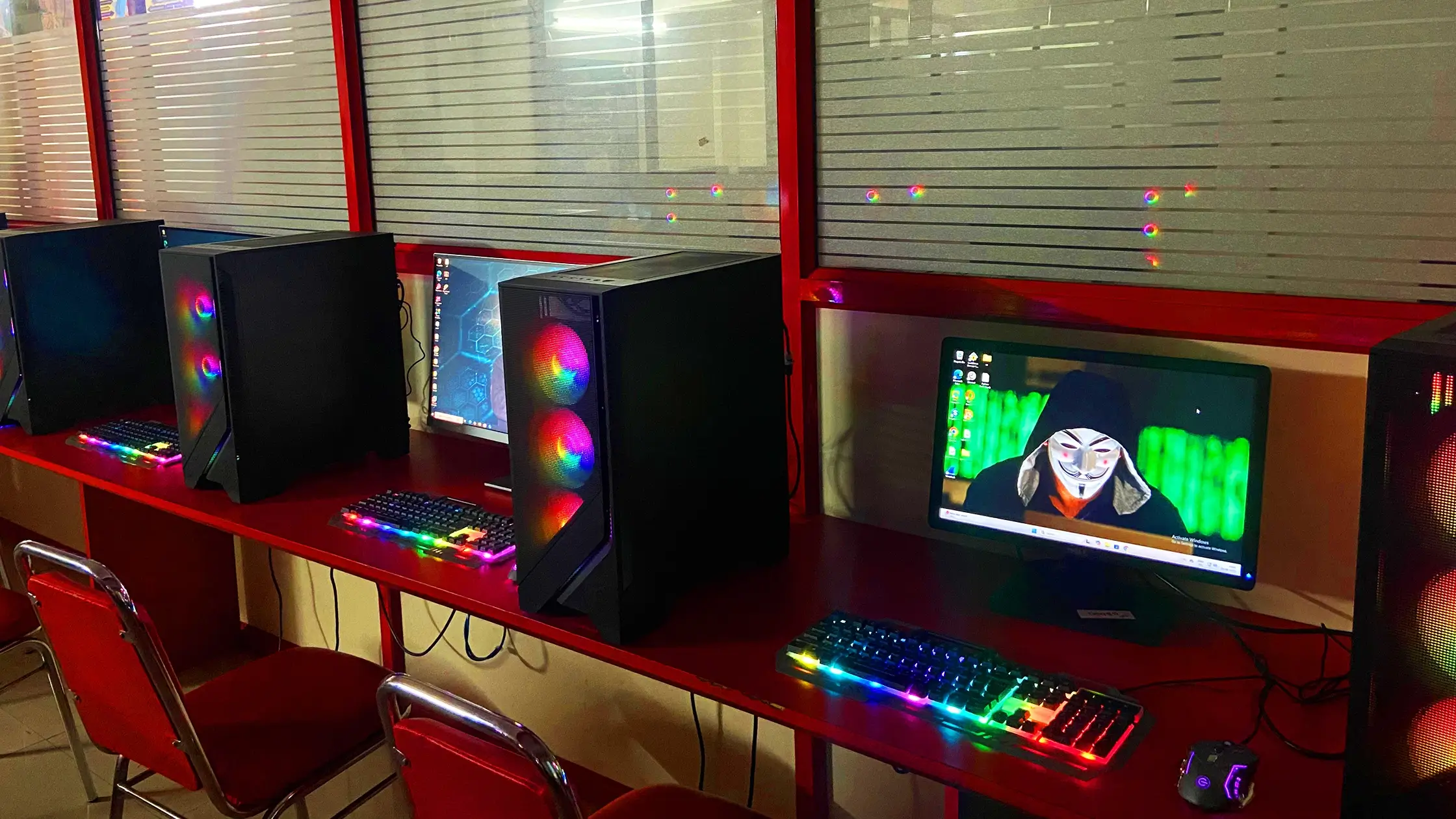



Discover how WebAsha Technologies empowers learners in Pune with top-notch IT training and career-ready skills.
At WebAsha Technologies, we deliver career-focused IT training that combines expert mentorship, practical learning, and globally recognized certifications to give you a competitive edge.
| Features | WebAsha Technologies | Other Institutes |
|---|---|---|
| Expert Trainers | 10+ Years Experienced Industry Professionals | Freshers or Part-time Instructors |
| Course Curriculum | Updated & Industry-Relevant (Cybersecurity, Cloud, DevOps, Linux, AI/ML) | Basic or Outdated Content |
| Hands-on Learning | Real Projects, Labs & Case Studies | Theory-Focused, Limited Practical |
| Certifications | Globally Recognized (EC-Council, OffSec, Red Hat, AWS, Microsoft, etc.) | Generic or Unrecognized Certificates |
| Placement Support | 100% Assistance + Resume & Interview Coaching | Limited or No Job Support |
| Flexible Learning | Classroom & Online Training Options | Rigid Timings, Mostly Classroom-Only |
| Learning Resources | Lifetime LMS Access, Study Materials, Recorded Sessions | Minimal or No Additional Resources |
| Batch Size | Small Groups with 1:1 Mentorship | Large, Crowded Batches |

Self-paced online learning with access to recorded sessions and resources.
Request for batch


| Date | Mode of Class | Batch Form | Time | Status | Action |
|---|---|---|---|---|---|
| Sunday, October 25, 2026 | Online/Classroom | Weekdays | 6:30 PM IST | Batch Full | Enrollment Closed → |
| Sunday, November 1, 2026 | Online/Classroom | Weekdays | 6:30 PM IST | Only 1 Seat AvailableMax intake limit is 10 | Enrollment Open → |
| Monday, November 9, 2026 | Online/Classroom | Weekdays | 8:00 AM IST | Only 5 Seats AvailableMax intake limit is 10 | Enrollment Open → |
| Saturday, October 31, 2026 | Online/Classroom | Weekends | 10:00 AM IST | Only 2 Seats AvailableMax intake limit is 10 | Enrollment Open → |
Mode: Online/Classroom
Batch: Weekdays
Time: 6:30 PM IST
Mode: Online/Classroom
Batch: Weekdays
Time: 6:30 PM IST
Mode: Online/Classroom
Batch: Weekdays
Time: 8:00 AM IST
Mode: Online/Classroom
Batch: Weekends
Time: 10:00 AM IST
Launch your publishing career with our Classroom and Online Adobe InDesign Training at WebAsha Technologies. This course is designed to provide hands-on, project-based skills for creating professional layouts for print and digital media. Ideal for beginners or those seeking certification, this training prepares you for Adobe InDesign certification and success in publishing in 2025 and beyond.
The InDesign Training focuses on mastering layout design techniques. Through practical projects, participants learn to create brochures, magazines, eBooks, and interactive PDFs using Adobe InDesign. The course emphasizes publishing workflows, typography, and portfolio-building to ensure readiness for certification and professional projects.
This course is perfect for aspiring layout designers, publishers, and creative professionals aiming to certify their InDesign skills. It’s also suitable for students, career changers, and specialists in Pune looking to enter the publishing industry. No prior design experience is required, making it ideal for beginners and those with basic creative skills.
No prior experience needed, but basic computer skills are helpful. For online classes, a stable internet connection and laptop with InDesign installed are required. The course includes hands-on projects essential for mastering layout design.
Basic familiarity with computers is recommended. No prior InDesign knowledge is required, as the course starts from fundamentals.
Earning Adobe InDesign certification opens opportunities in publishing and design. Certified professionals often secure roles like Layout Designer, Print Media Specialist, or Publishing Coordinator. In Pune and India, InDesign specialists earn ₹3 LPA to ₹8 LPA, with prospects for freelance and global publishing work.
Adobe InDesign syllabus
Download SyllabusAt WebAsha Training Institute, our experienced InDesign trainers combine publishing expertise with creative skills, guiding students to master layout design and certification.
Learn, Growth & Test your skills with online Assessment Exam to achieve your certificaion goal
Request A Call Back
InDesign certification validates your ability to create professional layouts, recognized globally for publishing expertise.
| Attribute | Details |
|---|---|
| Exam Name | Adobe Certified Professional in InDesign |
| Exam Duration | 2 Hours |
| Number of Questions | Multiple-choice and practical tasks |
| Exam Fee | Varies (approx ₹7,000-₹12,000 in India) |
| Validity | 3 Years |
| Exam Code | AD0-E125 (Adobe) |
| Exam Format | Online/Proctored |
| Passing Score | 70% or higher |
| Eligibility / Prerequisite | Basic computer skills |
| Exam Languages | English |
| Exam Mode | Online/In-Person |
Earn certification by scoring 70% or higher on the exam (2 hours). Offered by WebAsha in Pune, it tests layout design skills. Fees approx ₹7,000-₹12,000 in India, valid 3 years. Proctored online or in-person in English. Train with WebAsha for success.
Gaining InDesign certification unlocks publishing roles in India's creative sector for 2025.
| Job Title | Primary Responsibilities | Average Salary (INR) |
|---|---|---|
| Layout Designer | Create print and digital layouts. | Fresher: ₹3–5 LPA Experienced: ₹6–10 LPA |
| Print Media Specialist | Design brochures and magazines. | Fresher: ₹3–4.5 LPA Experienced: ₹5–8 LPA |
| Publishing Coordinator | Manage publishing workflows. | Fresher: ₹3.5–5 LPA Experienced: ₹6–9 LPA |
| Graphic Designer | Create layouts for media. | Fresher: ₹3–5 LPA Experienced: ₹6–10 LPA |
| Freelance Designer | Work on client publishing projects. | Fresher: ₹3–4.5 LPA Experienced: ₹5–8 LPA |
| Digital Publisher | Create eBooks and digital content. | Fresher: ₹3.5–5 LPA Experienced: ₹6–9 LPA |
| Editorial Designer | Design for publications. | Fresher: ₹3–4.5 LPA Experienced: ₹5–8 LPA |
| Marketing Designer | Create campaign layouts. | Fresher: ₹3.5–5 LPA Experienced: ₹6–9 LPA |
| Creative Director | Lead publishing projects. | Fresher: ₹5–7 LPA Experienced: ₹10–15 LPA |
| Publishing Consultant | Advise on layout strategies. | Fresher: ₹3.5–5 LPA Experienced: ₹7–11 LPA |
Note: Salaries vary by experience, location, and company; InDesign certification enhances potential in 2025.
India's publishing industry projects numerous design roles by 2025.
In the publishing-driven industry of 2025, Adobe InDesign certification is essential for professionals creating professional layouts. InDesign training at WebAsha Technologies provides practical design skills for print and digital publishing — competencies valued in publishing houses, agencies, and marketing firms.
Prepare for Adobe InDesign certification with WebAsha Technologies, a leading institute in Pune for publishing training. Our program is crafted for aspiring designers to master layout design skills with hands-on projects aligned to industry standards.

Unfiltered feedback and snapshots that reflect real success stories.




Discover their journeys, specialties, and achievements.













Find complementary courses to enhance your skills and career.

Red Hat Certified System Administrator (RHCSA)
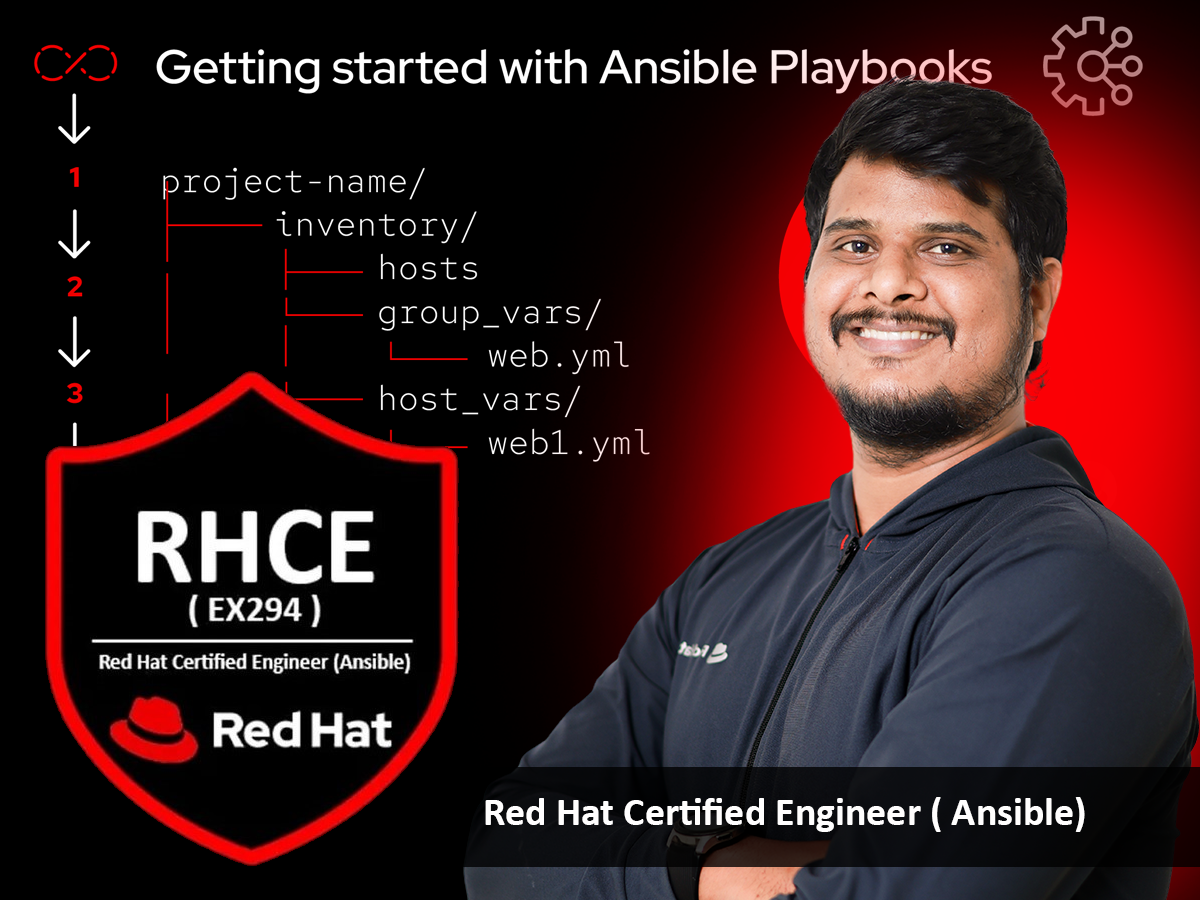
Red Hat Certified Engineer (RHCE)
Explore answers to common questions about Adobe InDesign training, certification, exam details, eligibility, and more to advance your skills in creating professional layouts for print and digital publishing.
Adobe InDesign certification validates proficiency in using InDesign to create professional layouts for print and digital publishing, including magazines, brochures, and interactive PDFs.
The training covers all Adobe exam objectives, including interface navigation, layout creation, typography, master pages, graphics integration, interactive PDFs, print preparation, digital publishing, advanced features, and portfolio development, with hands-on projects and real-world simulations.
Suitable for aspiring layout designers, publishers, creative professionals, students, or career changers with basic computer skills. No prior InDesign knowledge is required, as the course starts from fundamentals.
Adobe InDesign certification is valid for three years. Recertification is recommended through retaking the exam or completing continuing education to stay current with software updates.
The exam includes multiple-choice questions and practical tasks, typically 50-60 questions, to be completed in 50-60 minutes, testing skills in creating layouts, conducted in a proctored online or in-person environment.
The exam typically costs $180 USD, but prices may vary by region. Check the official Adobe or Certiport website for details.
No formal prerequisites are required, but familiarity with basic design or publishing concepts and Adobe InDesign is recommended for success.
Use Adobe-approved training courses, practice exams, hands-on projects, and study guides. Adobe and third-party providers like Certiport offer preparation resources.
Yes, the training includes hands-on labs to practice creating layouts, typography, interactive PDFs, and preparing files for print and digital publishing using Adobe InDesign.
The exam tests skills in interface navigation, layout creation, typography, master pages, graphics integration, interactive PDFs, print preparation, and digital publishing.
Yes, the exam can be taken online with proctoring or at an authorized testing center through Certiport.
The passing score is typically 70% or higher, but specific thresholds may vary by exam version.
Yes, you can retake the exam after a 24-hour waiting period for the first retake, with subsequent retakes requiring a 14-day wait, up to five attempts per year.
The exam is updated periodically to reflect new Adobe InDesign features, tools, and publishing workflows, ensuring relevance to current industry standards.
Roles include Layout Designer, Graphic Designer, Publishing Specialist, and Creative Consultant, with demand in publishing, advertising, and media industries.
Yes, Adobe and third-party providers like Certiport offer practice exams to simulate the real test environment.
Training typically lasts 2-4 weeks for instructor-led courses or self-paced over 4-8 weeks, depending on the program.
Yes, most courses provide study guides, project files, and access to Adobe-approved training resources.
Yes, Adobe certifications are globally recognized and valued by employers in the publishing and creative industries.
Yes, training is not mandatory, but it’s highly recommended to master InDesign’s tools and workflows for exam success.